

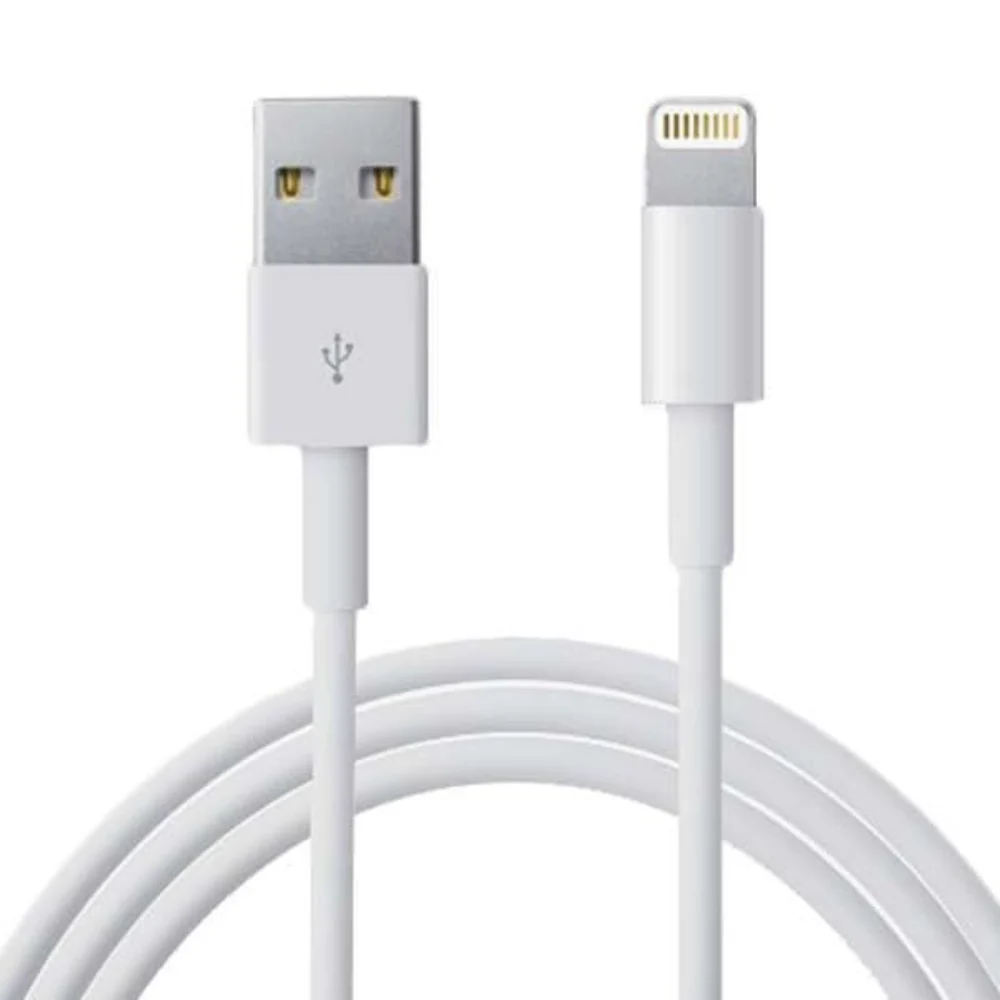
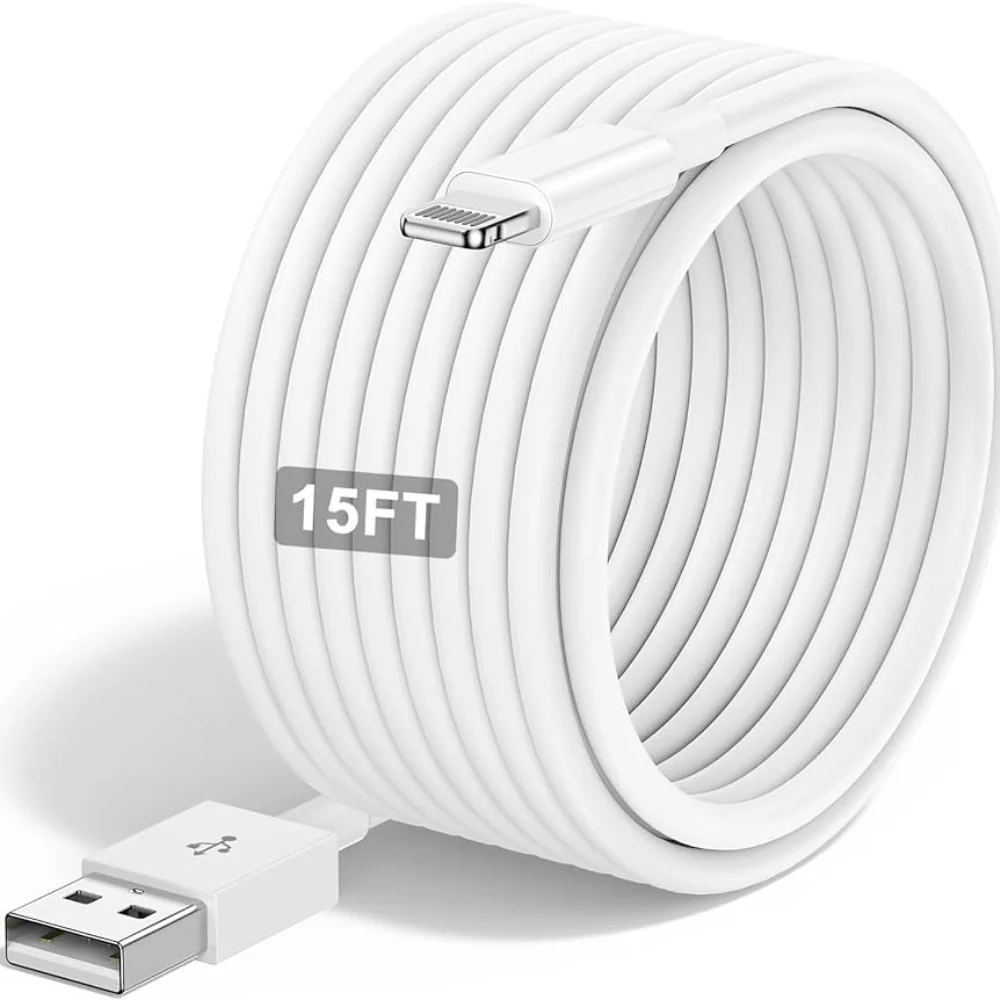
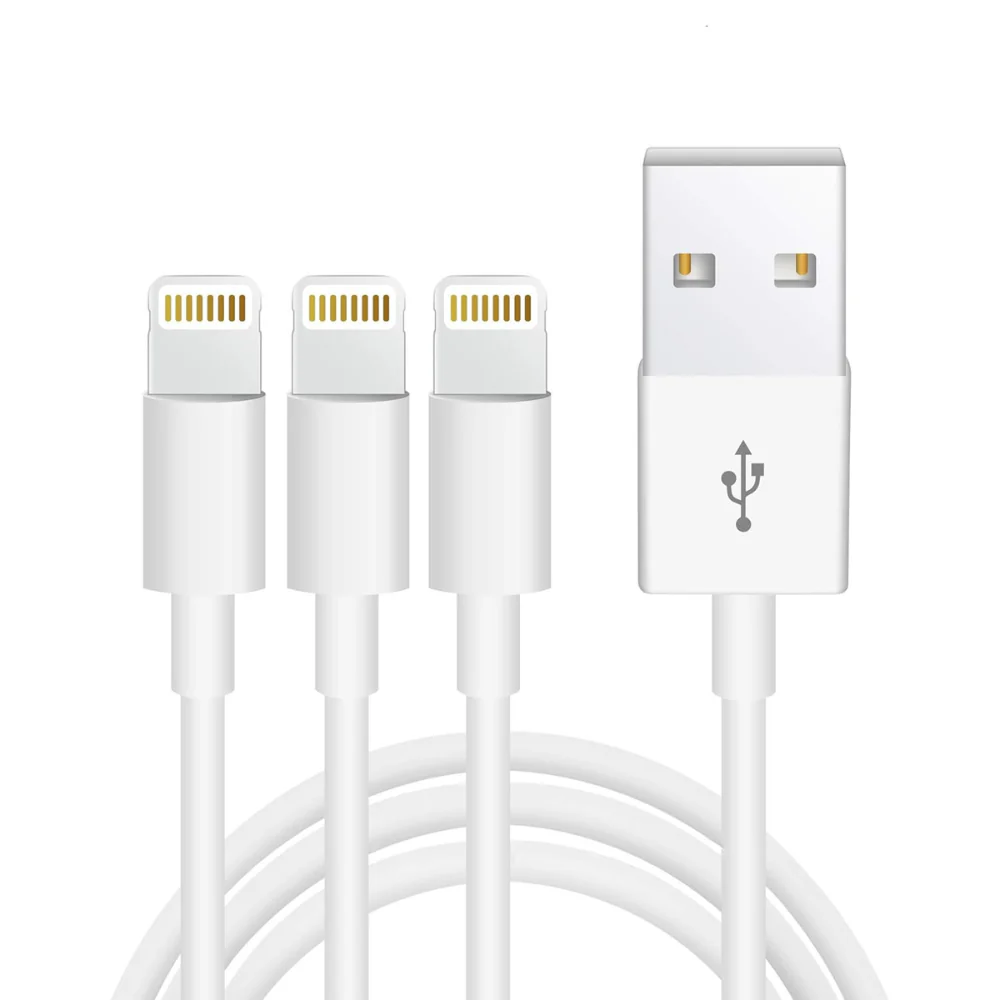
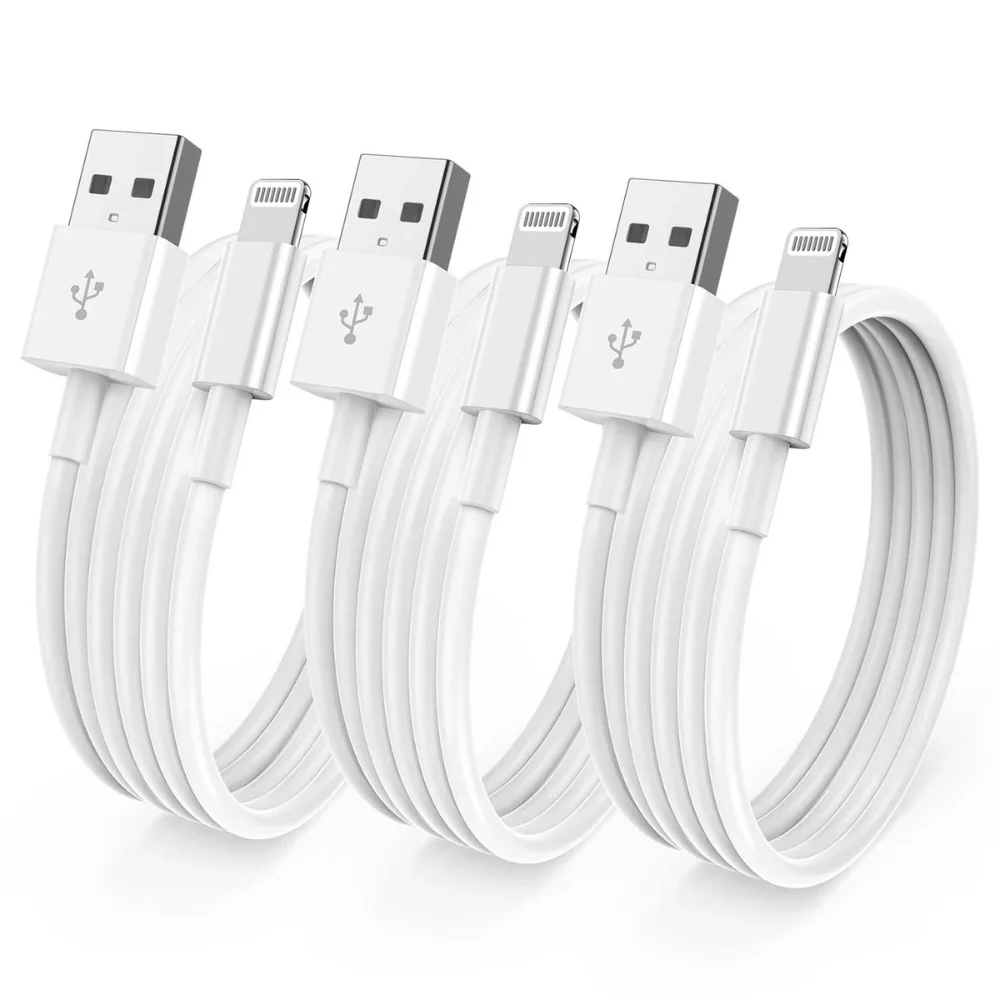
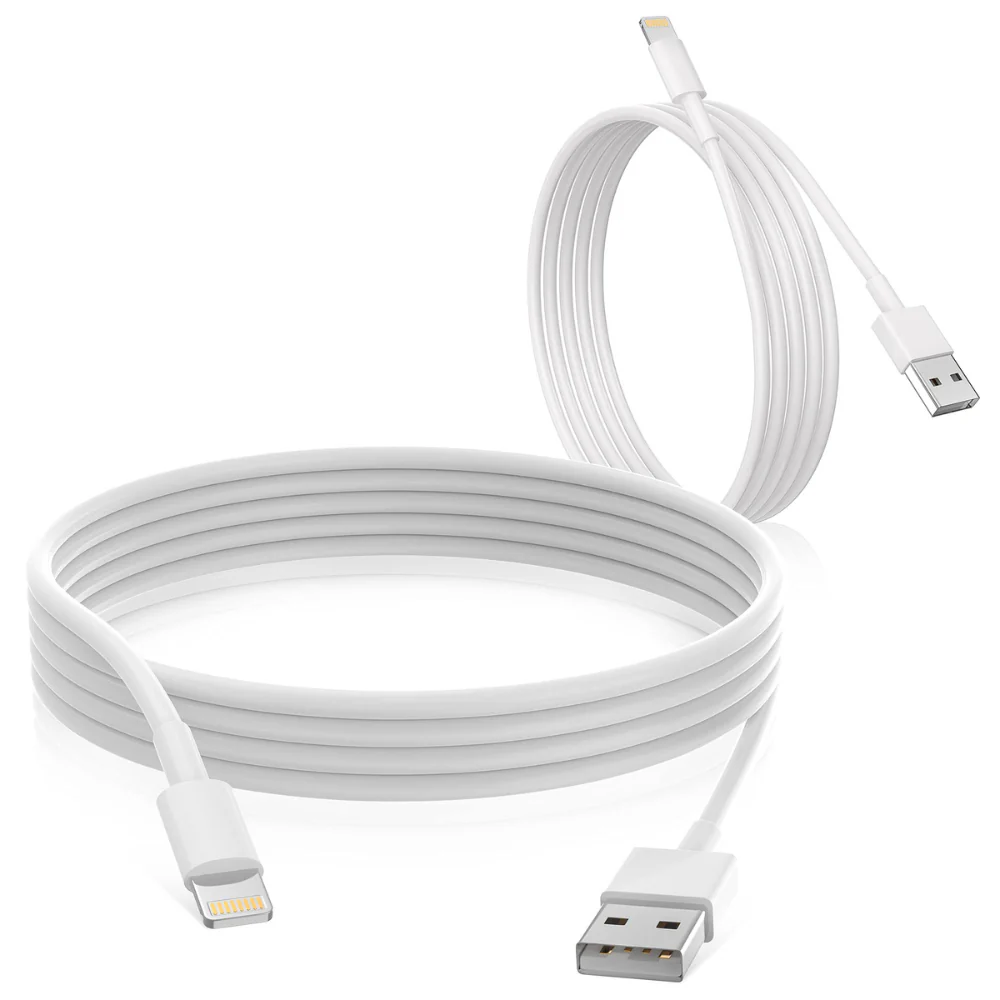
iPad Cable (normal)
د.إ20
Availability: 195 in stock
9 views this product.
Estimate delivery times: 12-26 days (International).
Return within 30 days of purchase. Taxes are non-refundable.
Guarantee safe & Secure checkout

iPad cables come in two main types depending on the model of iPad you have:
- USB-C to Lightning Cable:This is the newer type of cable that is used with most recent iPads, including the iPad Pro,
iPad Air, iPad mini, and iPad (9th generation and later).
- USB-A to Lightning Cable:This is the older type of cable that is used with older iPads, including the iPad (8th generation and earlier).
Both types of cables have a Lightning connector on one end that plugs into the iPad. The other end of the cable is either USB-C or USB-A. USB-C is a newer, more powerful type of connector that can be used for both charging and data transfer. USB-A is an older type of connector that is still commonly used for charging devices.
Here are some additional specifications for iPad cables:
- Length: iPad cables come in a variety of lengths, typically ranging from 0.5 meters to 3 meters.
- Color: iPad cables are typically white, but they may also be available in other colors.
- Certification: It is recommended to use a cable that is MFi (Made for iPhone/iPad/iPod) certified. This means that the cable has been tested and approved by Apple to work with your iPad.
Here are some things to keep in mind when choosing an iPad cable:
- The type of iPad you have: Make sure to choose a cable that is compatible with your iPad model.
- The length of cable you need: Consider how far you will need to be from a power outlet when you are using your iPad.
- Whether you need a cable that is certified for data transfer: If you plan to use your iPad cable to transfer data between your iPad and your computer, make sure to choose a cable that is MFi certified.
| Title | Default Title |
|---|


.%20USBC%20to%20Lightning%20Cable%20 %20 %20USB-A%20to%20Lightning%20%5B…%5D&media=https://sellify.ae/wp-content/uploads/2025/10/ipadnormalcables_2.webp)
Reviews
There are no reviews yet.